Description
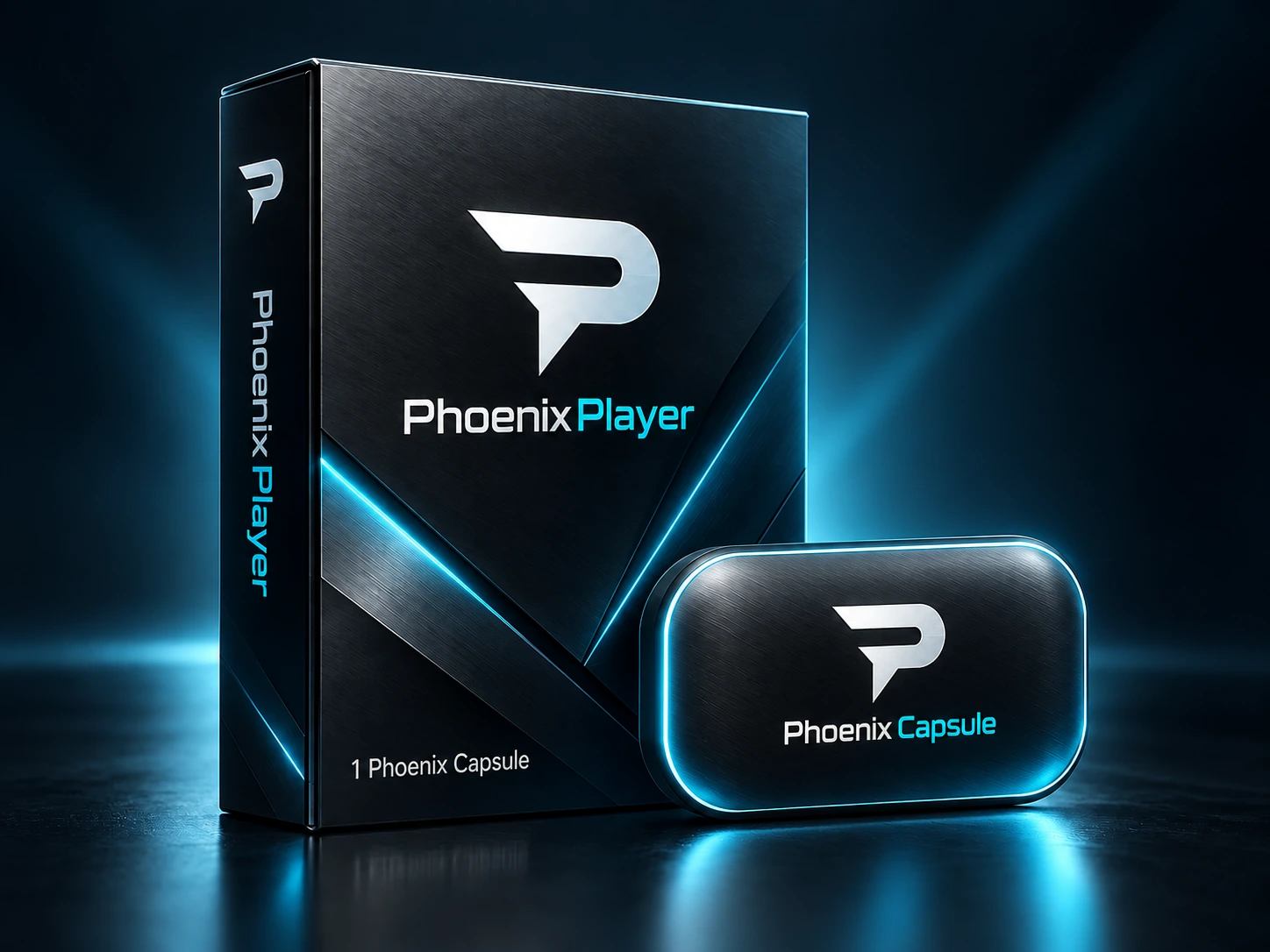
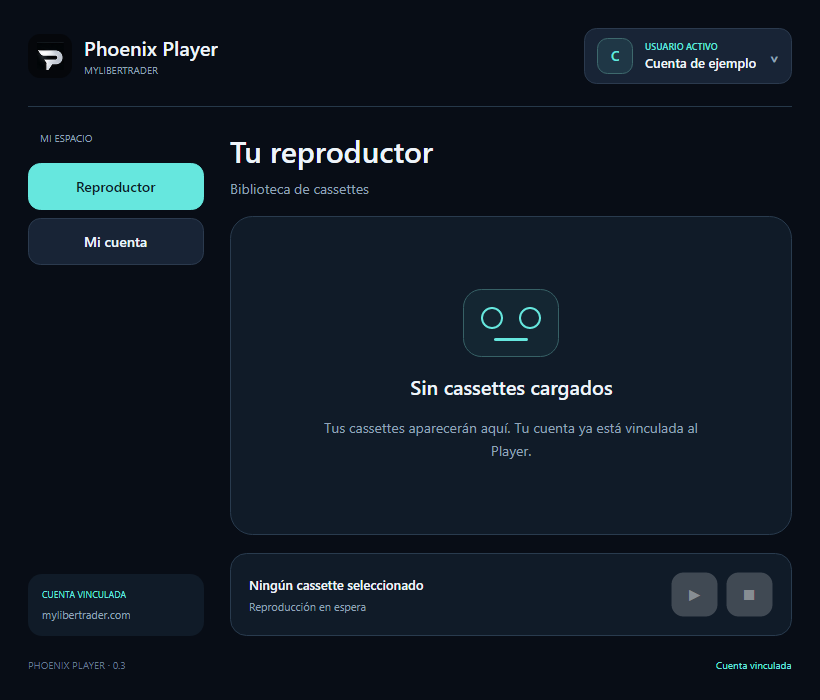
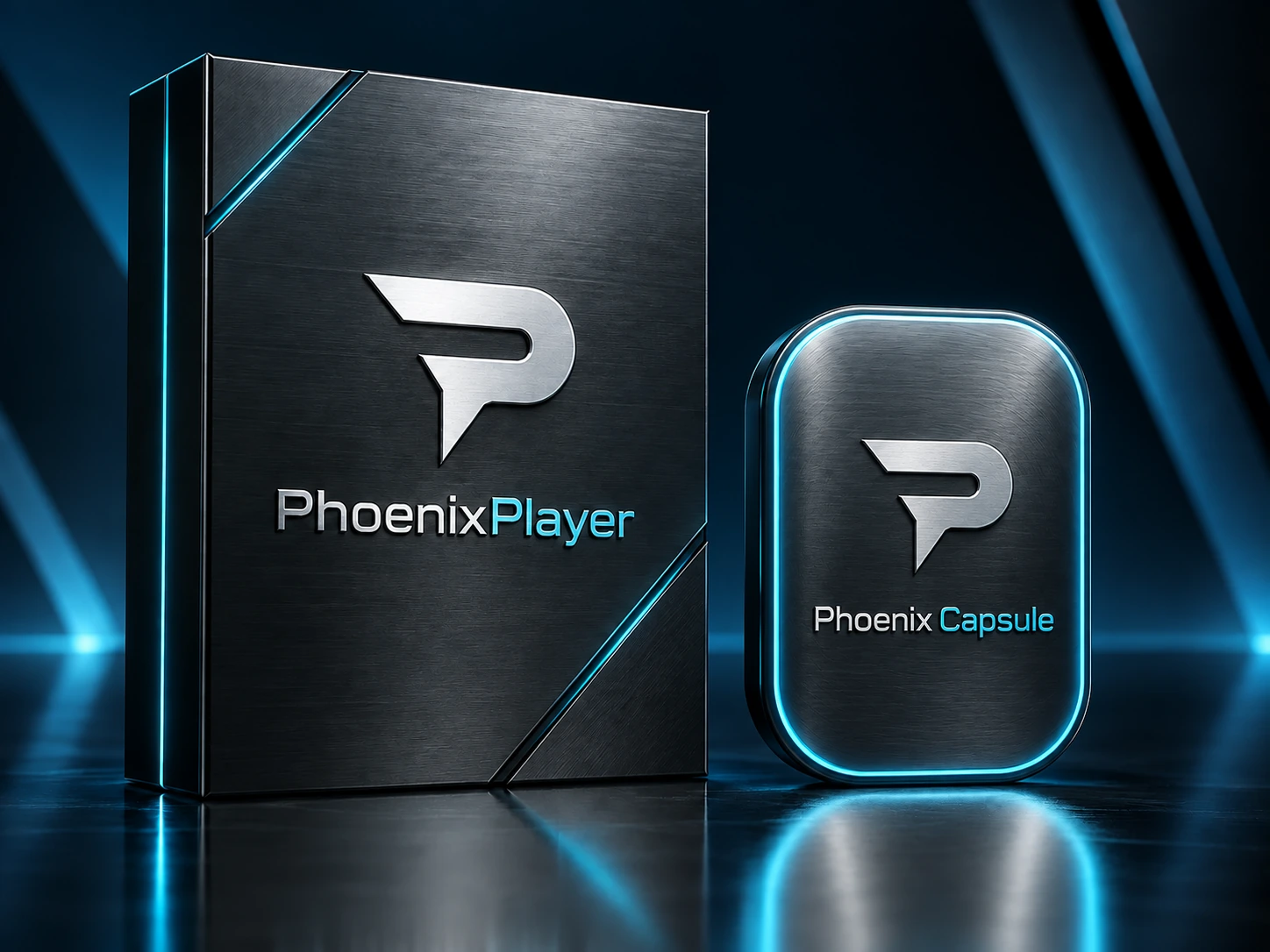
Phoenix Player is the MyLiberTrader player where you keep and run your own Phoenix Capsules. Your purchase includes one Phoenix Capsule, with additional Capsules purchased separately. You define each strategy, choose which one to run and decide when to start it. Only one Capsule runs at a time; finishing the chat does not start trading.
When you buy Phoenix Player with its first Phoenix Capsule, you receive a perpetual licence to use both products. No monthly fees, subscriptions, renewals or mandatory additional payments to MyLiberTrader to keep using them. Your strategy belongs to you before and after creating your Capsule. MyLiberTrader does not use it to trade on its own account, sell it, market it or provide it to other customers. Future updates that MyLiberTrader releases for purchased products will be free for their buyers.
When you buy Phoenix Player with its first Phoenix Capsule, you receive a perpetual licence to use both products. No monthly fees, subscriptions, renewals or mandatory additional payments to MyLiberTrader to keep using them.
Your strategy belongs to you before and after creating your Capsule. MyLiberTrader does not use it to trade on its own account, sell it, market it or provide it to other customers.
Future updates that MyLiberTrader releases for purchased products will be free for their buyers.
Linking products to your account identifies your purchases, helps deliver updates and manages access and authorised devices. Security authentication is not a paid renewal.
If you want to automate another strategy, you may voluntarily purchase an additional Phoenix Capsule. Capsules you have already purchased retain their perpetual usage licences.
You receive a perpetual usage licence, not ownership of MyLiberTrader’s code or technology. You retain the rights to your own strategy.
Licence terms · Privacy policy
Only logged in customers who have purchased this product may leave a review.




Christian Jachura Gonzalez (verified owner) –
Todo perfecto, instalacion rapida y sencilla, compatible con mi mac m1, se conecto automaticon con mt5, todo perfecto.