


One-time purchase
When you buy Phoenix Player with its first Phoenix Capsule, you receive a perpetual licence to use both products. No monthly fees, subscriptions, renewals or mandatory additional payments to MyLiberTrader to keep using them.
Create your own Phoenix Capsule with our AI assistant. Your rules are stored in the Capsule and Phoenix Player executes them in MetaTrader 5.
Phoenix Player + first Capsule
US$397
One purchase. Permanent use.
Windows · macOS
Check compatibility and requirements
MyLiberTrader in numbers
About us · Our commitment
At MyLiberTrader, we build technology to turn your trading method into instructions Phoenix Player can execute. You define entries, exits and how much you are willing to risk.
Built for traders who understand their strategy and want to automate it without writing MQL5, within Phoenix’s supported capabilities.
Meet MyLiberTraderWhen you buy Phoenix Player with its first Phoenix Capsule, you receive a perpetual licence to use both products. No monthly fees, subscriptions, renewals or mandatory additional payments to MyLiberTrader to keep using them.
If you want to automate another strategy, you may voluntarily purchase an additional Phoenix Capsule. Capsules you have already purchased retain their perpetual usage licences.
Your strategy belongs to you before and after creating your Capsule. MyLiberTrader does not use it to trade on its own account, sell it, market it or provide it to other customers.
Future updates that MyLiberTrader releases for purchased products will be free for their buyers.
How it works
Describe your strategy, shape it with the AI assistant and review its rules before turning it into a Phoenix Capsule. Then add it to your library and choose when to run it.
Define how it works: market, entries, exits and risk parameters.
Describe your rules in a chat. The AI assistant organises the information and asks for missing details.
Review the rules and confirm they represent your strategy before creating the Capsule. Technical checks do not assess profitability.
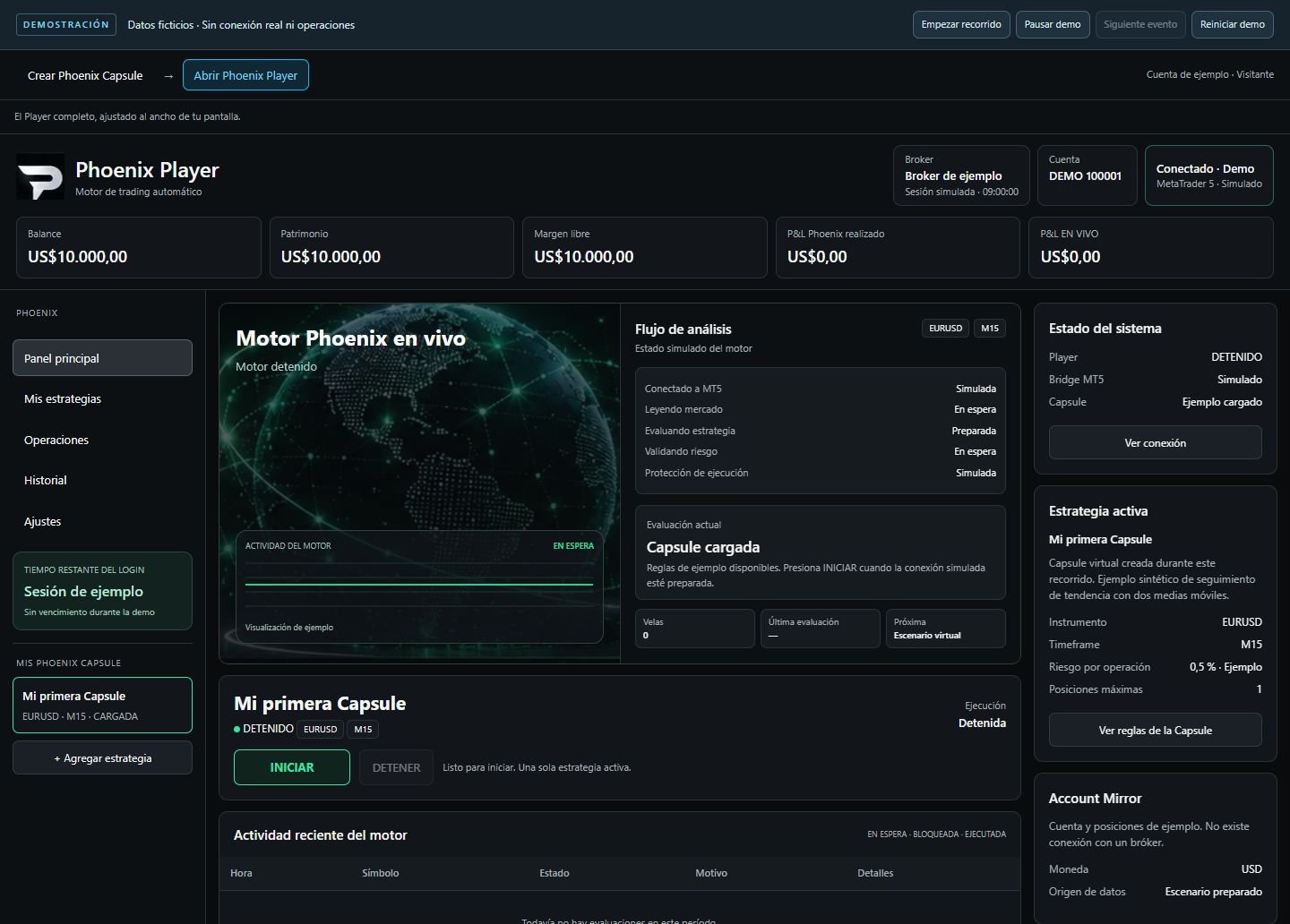
Load your Capsule in Phoenix Player and keep the strategies you have added together.
In Phoenix Player, select your Capsule, check the connected MetaTrader 5 account and press START. The Player will evaluate the market and trade when your rules are met. Only one Capsule runs at a time.
Creating or loading a Capsule does not start trading. You decide when to press START.
Multiple Capsules in your library. One running at a time.
Decisions and results
Before automating, understand what you decide and what the software does.
Compare commissioned development with Phoenix Player and your first Capsule.
 MYLIBERTRADERTRADE A BRIGHTER TOMORROW
One purchase. Permanent use.
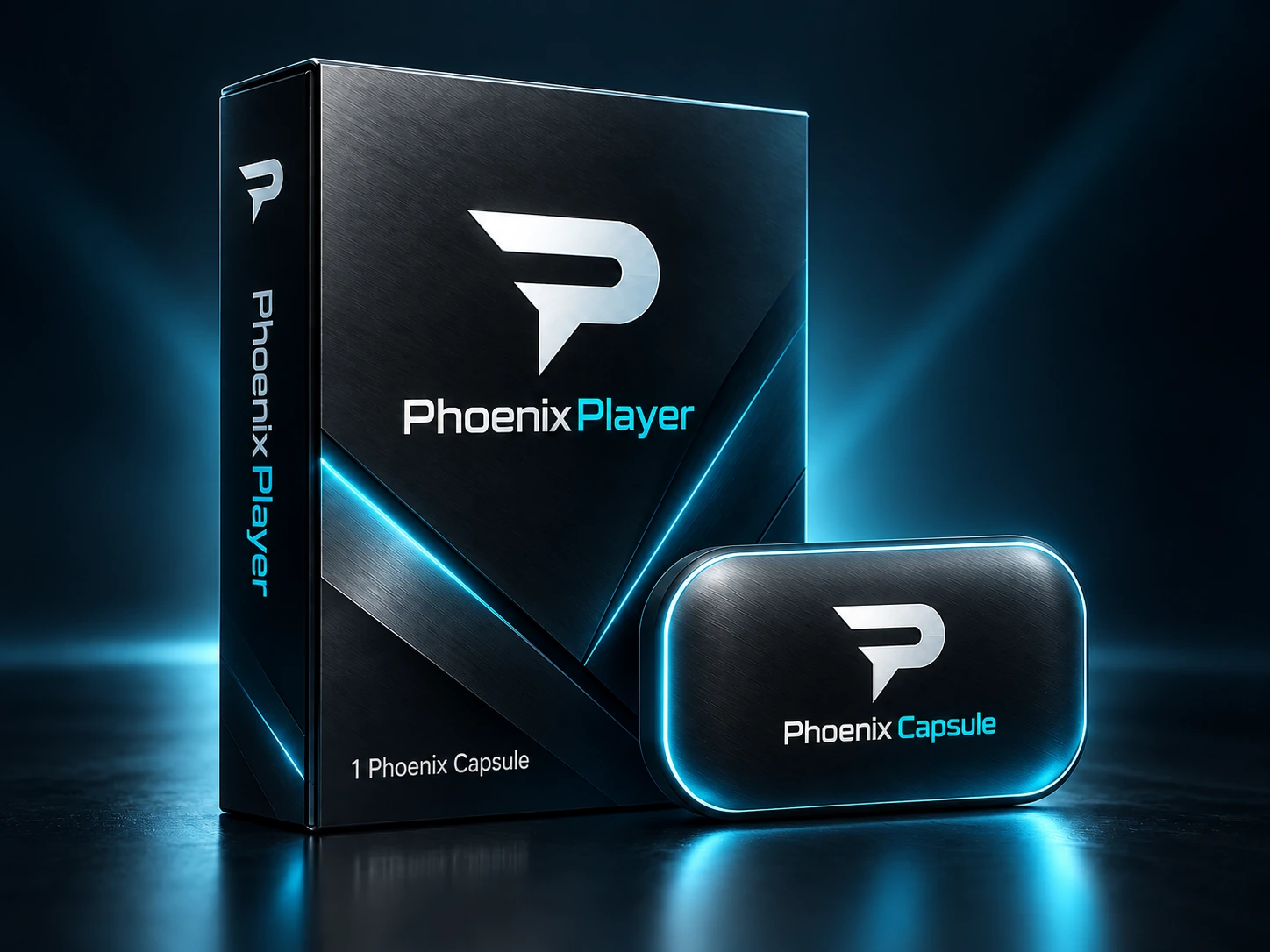
One Phoenix Capsule of your own strategy included.
Get Phoenix PlayerPhoenix Player for Windows and macOS. Check compatibility and requirements before purchasing.
Multiple Capsules in your library. One running at a time.
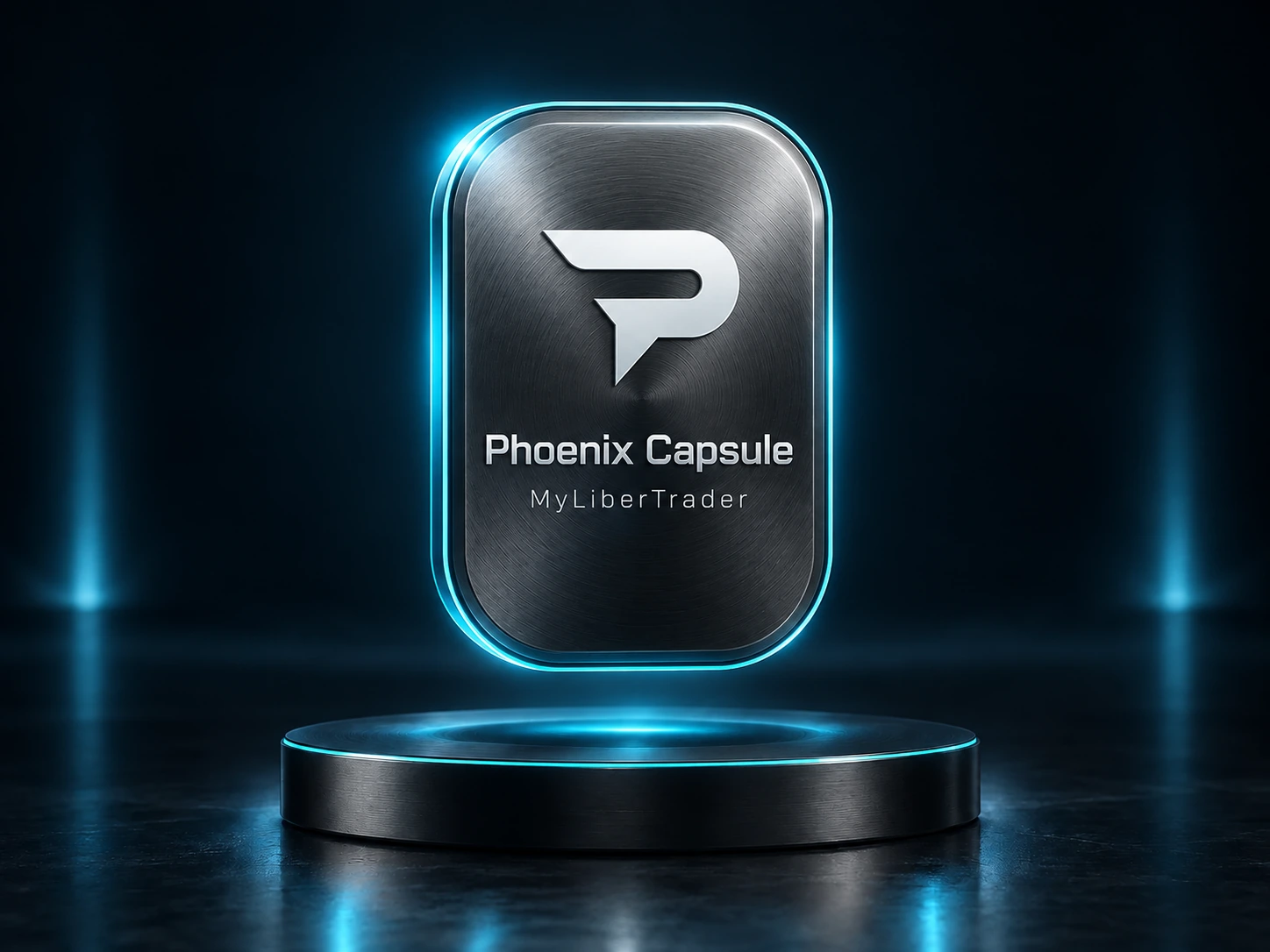
Add another strategy of your own to your library.
Requires Phoenix Player. Additional Capsules are purchased separately.
Other providers

* Indicative reference for certain custom development projects. Lower and higher prices exist. Scope, features and terms may differ from Phoenix.
These are the full ranges published by the providers consulted. They refer to commissioned development with its own scope and terms; they are not a market average.
Projects from US$200 to US$2,000 depending on complexity. An initial US$100 quotation fee is credited towards the project. Later changes are quoted separately, and optional annual maintenance costs 30% of the coding price.
Checked:Simple EAs: US$1,000–1,500. Medium complexity: US$2,000–3,500. Complex systems with multiple strategies and portfolio management: US$3,500–8,000. This service advertises source code delivery and testing; its scope differs from Phoenix.
Checked:Your library, in Phoenix Player
Expand your library with new Capsules of your own strategies and choose which one to run in the same Player. Each creation follows the existing commercial conditions.
Discover Phoenix and its capabilitiesFollows your rules
Based on your parameters
The ones you trade
For what truly matters
Scope depends on your version’s available features, platform and broker. Guided creation must check that your rules are compatible before you confirm them.
Define objective conditions to buy, sell or wait.
Describe how your strategy responds to market movement.
Use candle data in your conditions.
Combine trend filters with price and candle rules.
Include the technical levels used by your method.
Define position protection and targets.
Set limits before permitting another entry.
Define when your system should wait without opening positions.
One Capsule can cover different symbols sharing the same supported logic.
Define your strategy’s time references.
Phoenix evaluates and executes your authorized strategy instructions.
Keep each strategy in your library for use with Phoenix Player.
Controls do not remove market risk or guarantee an exact maximum loss during slippage or sudden moves. Phoenix follows programmed rules and does not guarantee profitability.
Before purchasing
Install Phoenix Player on your computer and connect MetaTrader 5 to run your Capsule rules.
64-bit Windows 11
Intel or AMD x64 processor.
MetaTrader 5 desktop installed on the same computer. Phoenix Player connects to the terminal through PhoenixBridge.
Official MetaTrader 5 installer for WindowsmacOS 15 Sequoia or later
Mac with Apple Silicon or a 64-bit Intel processor.
Phoenix Player installs as a Mac application. MetaTrader 5 uses the official MetaQuotes installer for macOS, which sets up Wine for the terminal.
Official MetaTrader 5 installer for MacDesktop terminal and a connected broker account. Phoenix Player includes PhoenixBridge to communicate with MT5.
Stable internet connection. Keep Phoenix Player and MetaTrader 5 open, and your computer powered on and awake while running a Capsule.
Minimum usable area of 1280 × 760 px at 100% scaling. We recommend a Full HD display for comfortable use.
No development tools are required. Human support is available 24/7 to help install and connect your computer.
We are here to help
Human support 24/7 through Telegram and WhatsApp for Phoenix Player, Phoenix Capsules, installation, licenses and configuration.
During launch, we guide you through configuration, download and installation over WhatsApp or Telegram without accessing your computer remotely.
Customer reviews
Reviews from verified MyLiberTrader buyers.
buena encuesta, bien guiada y con soporte tecnico pendiente, ejecuta exactamente lo que solicite.
Todo perfecto, instalacion rapida y sencilla, compatible con mi mac m1, se conecto automaticon con mt5, todo perfecto.
Frequently asked questions
Find answers about your strategy, purchase and privacy.
Still have a question? Support
You define the strategy. Phoenix Player runs the rules in your Phoenix Capsule; market, entry, exit and risk decisions belong to you.
Through a guided conversation, it organises what you describe, asks for missing details and helps structure your rules. You define the strategy and review the result before confirming.
Yes. Review the summary and confirm it reflects your decisions before encapsulation. Any proposal that changes your strategy requires your confirmation.
Phoenix Player keeps multiple Capsules in the library but runs only one at a time. Creating or loading a Capsule does not start it automatically.
No. Trading involves risk. Creating a Capsule, using AI or running Phoenix Player does not guarantee results or profitability.
It checks the format and rules supported by the creation process. It does not demonstrate trading results or establish that a strategy is profitable.
Load the Capsule into your Phoenix Player library. Select it, check the connected MetaTrader 5 account and press START to run its rules. The Player waits for your strategy conditions before trading.
The purchase includes Phoenix Player and one Phoenix Capsule. Keep multiple Capsules of your own strategies in the same Player, purchasing additional Capsules separately.
It lets you turn another strategy you define into a Phoenix Capsule under your purchase conditions. It requires Phoenix Player; existing creation, support and delivery conditions remain in place.
No. Your purchase grants a perpetual usage licence for the purchased products, with no monthly fees, subscriptions, renewals or mandatory additional payments to MyLiberTrader to keep using them.
To identify your purchases, deliver their free updates and manage access and authorised devices. Signing in again for security does not renew or shorten your licence.
Yes. Future updates that MyLiberTrader releases for purchased products will be free for their buyers.
No. You only purchase an additional Capsule if you decide to automate another strategy. Your Player and previously purchased Capsules retain their perpetual usage licences.
Yes. Your strategy remains yours. MyLiberTrader does not use it to trade on its own account, sell it, market it or provide it to other customers. The processing needed to create and deliver your Capsule is explained in the privacy policy.
No. Your strategy information is processed to provide your creation, delivery and support service. It is not reused as a product for other customers.
The creator integrates OpenAI models to organise strategy information. MyLiberTrader provides and manages the feature; this integration does not imply certification, sponsorship or commercial endorsement by OpenAI.


 Telegram
 WhatsApp
